
Key Highlights of ocas login
- The OCAS login is your main way to start your college application for Ontario colleges.
- You can make an account and log in right on the Ontario colleges website.
- To sign up, you will need to give an email address that works and your own applicant information.
- The OCAS portal is safe and lets you track your college application and keep your details up to date.
- You can log in with your email and password or use your Google account if you want.
- There are steps on the colleges website to help with common problems, like if you need to reset your password.
Introduction
Applying to college can feel like a big move, but it does not have to be hard. This guide will help make it easier for you. If you want to go to one of the many good Ontario colleges, you should use the Ontario College Application Service (OCAS) for your college application. This article will show you what you need to know about the OCAS student login. You will learn how to make your account and also how to send in your application for Ontario colleges. Let’s help you get started on your way to college in Ontario.
Understanding the OCAS Login Portal for Ontario College Applicants
The OCAS login portal is your central hub for managing college applications to Ontario colleges. It allows you to set up, check, and track your applications all in one place, simplifying the process. Your applicant information remains secure and is sent directly to the colleges you choose. Utilizing your Ontario college application login is the first step towards entering your desired programs. Now, let’s explore what OCAS is and the features that can assist you with your application.
What is OCAS and How Does the OCAS Login Student Portal Work?
OCAS stands for Ontario College Application Service, the main platform used by all public colleges in Ontario to process college applications. If you want to apply for a certificate, diploma, or degree program at an Ontario college, you must use OCAS. It only handles college applications, not university ones (which use OUAC). The OCAS login portal lets you create a secure account to manage your application, enter your personal and academic details, and apply to multiple colleges at once. The portal is also open to international applicants, with the International Application Service (IAS) to help submit the necessary documents.
Key Features of the OCAS Login Portal in Canada
The OCAS login portal is a user-friendly tool for all Ontario college applicants, whether you’re a Canadian citizen, permanent resident, or international student using the International Application Service (IAS). Recent updates have improved security you now log in with your email, and stricter password rules better protect your information. Security questions help verify your identity if needed. Key features of the OCAS portal include:
- A main dashboard to manage all your college applications
- The ability to update personal and school info anytime
- Instant updates on your application status
- A secure place to upload documents and transcripts
Submitting your application is now simple and secure.
How to Create Your OCAS Login Student Account
Setting up your OCAS account login is easy. The first time you use the system, you have to sign up with a good email address. This email address will be your main way to get messages, and you will use it to log in. Doing this right the first time will help you have a good time when you apply.
After you make your account, you can use your OCAS student login details to get into the portal whenever you want. In the next parts, you will find a clear, step-by-step guide about how to register for the first time and how to log in next time.
Step-by-Step Guide to Registering on the OCAS Login Student Portal
Ready to set up your OCAS student login? Follow these steps to make your account quickly. Begin on the Ontario Colleges website, and be sure you have a working email address, as you’ll receive important messages there. Enter your personal details carefully, especially your date of birth, since you can’t change it later. You’ll also need to agree to the privacy rules. Once registered, use your email and password to log in.
Here is what you need to do:
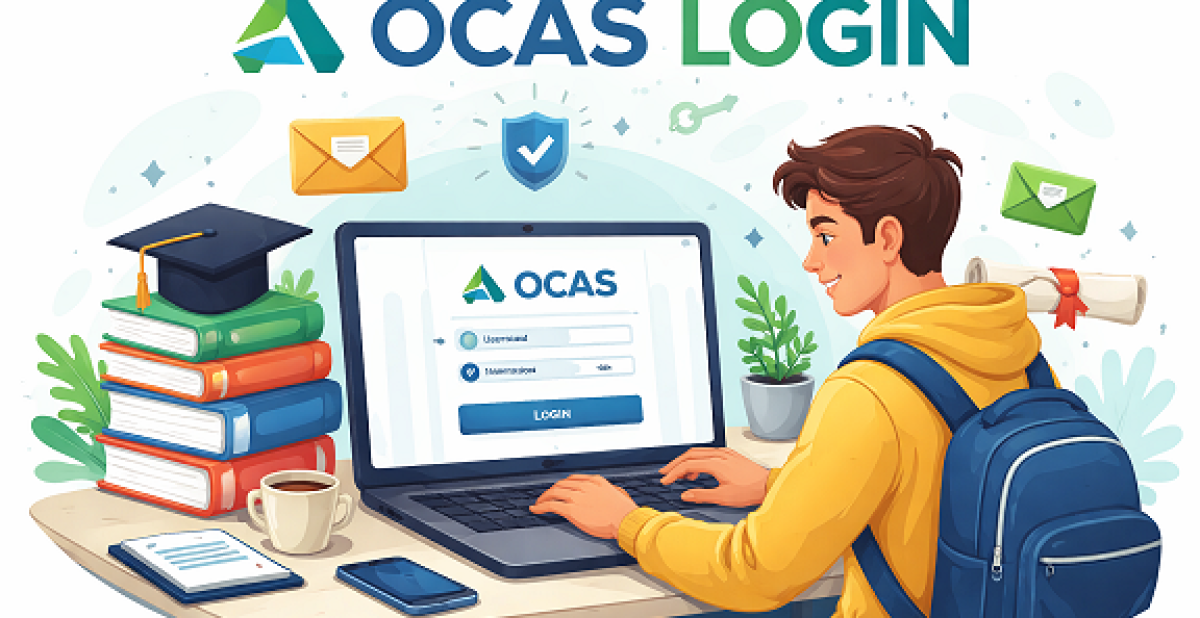
- Go to the Ontario Colleges website and click “Apply / Log In.”
- Choose to sign in with Google or your email address.
- Enter your info, like date of birth and country.
- Review and accept the privacy rules. Choose how you get updates.
- Submit everything to make your account and begin your OCAS application.
Verifying Your Email and Setting Up Secure Access
- After signing up, verify your email by entering the code sent by OCAS. This step ensures you have access to the email you provided and helps keep your login secure.
- Create a strong password with at least eight characters, using uppercase and lowercase letters, numbers, and symbols. OCAS checks for common passwords to make yours unique and safe.
- Set up security questions for an extra layer of protection. These questions help confirm your identity if you ever need assistance. Completing these steps secures your personal details and OCAS student account.
Using the OCAS Login Portal: Access and Navigation
After your account is ready, you can use the Ontario Colleges OCAS login to get into the OCAS application portal. It helps you move around the site with ease. You can find what you need fast. On the main dashboard, you will see ways to change your applicant information, add your program choices, and look at your application status.
If you learn how to get into and use the portal the right way, you will save time and feel less worried. The next sections will show you how to get to the login page. They also help you find the main parts of your account, such as help and support.
How to Log In and Find the OCAS Login Page
It’s simple to access the OCAS login page just follow these steps:
- Visit the official Ontario Colleges website and click the prominent “Apply / Log In” button on the homepage banner to reach the sign-in page.
- Log in by choosing “Continue with Google” to use your Google account, or enter the email and password you registered with; both options let you access your application dashboard securely.
- If you have trouble finding the page, search “Ontario Colleges login” online and bookmark the top result for quick access next time.
These steps make it easy to log in and manage your OCAS account.
Exploring Application Status, Support Options, and International Student Guidance
After logging in, your dashboard provides a clear overview of your application status. You can see which colleges have your application, view any offers, and check what steps remain. This centralizes all your details, helping you stay organized and meet deadlines.
International applicants get special support through the International Application Service (IAS), including help with requirements like study permits. Students from top private or international schools, such as USCA Academy, may receive one-on-one guidance to ensure applications are complete.
If you need assistance, the portal offers:
- A helpful FAQ section
- Contact details for the OCAS Customer Contact Centre
- Extra guides and resources for international applicants
Troubleshooting Common OCAS Login Issues and Security Tips
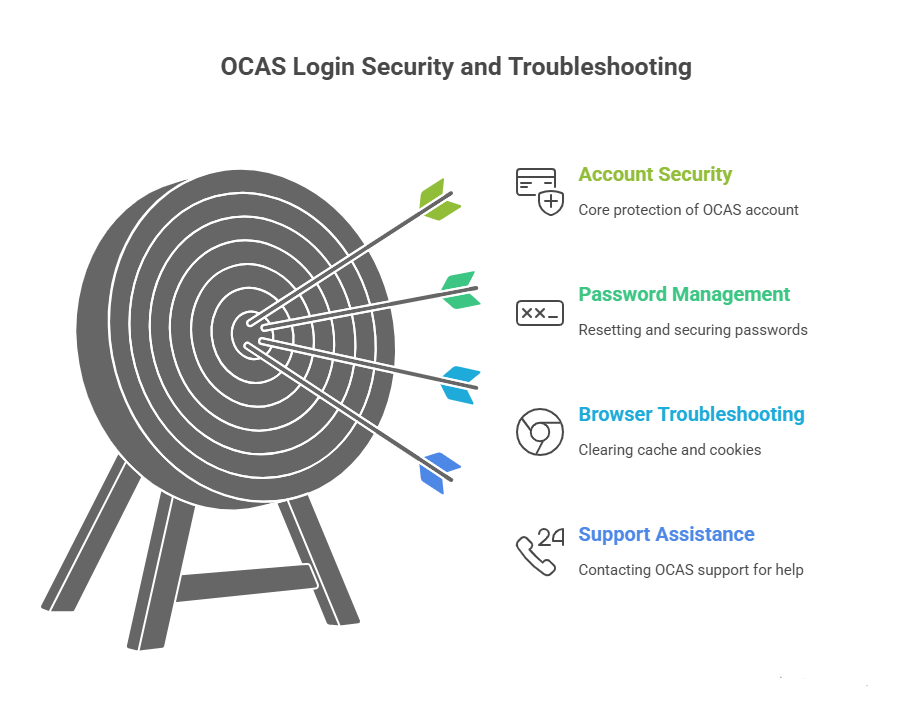
Even if you use a simple system, you can still run into OCAS login problems. The biggest things people deal with are forgetting their password or not being able to open the login page. The good news is that you can easily solve these problems with an easy OCAS password reset.
In this part, you will get help to fix the main OCAS login problems. You will also see good tips to keep your Ontario colleges account safe, especially if you use a shared computer.
Resetting Your Password or Recovering Your OCAS Login Credentials
If you forget your OCAS password, follow these steps to recover your login credentials quickly:
- Click the “Forgot Password” link on the OCAS login page and enter the email address linked to your account. OCAS will email you instructions to set a new password. Be sure to check your spam or junk folder if you don’t see the email in your inbox.
- Remember, your email address is now your OCAS login, not a username.
- If you still can’t log in after resetting your password, contact the OCAS support team for further assistance to regain access to your account securely.
Solutions for Login Problems and Staying Safe Online
If you experience OCAS login issues, such as pages not loading, there are simple steps to resolve them. First, clear your browser’s cache and cookies, then try reloading the page. Opening a private or incognito window can also help bypass issues caused by browser extensions. For security, always log out after finishing your session, especially on shared or public computers. Protect your OCAS account by following these tips:
- Use a strong and unique password for your OCAS account.
- Do not share your login details with anyone.
- If problems persist, contact the OCAS support team for assistance.
Conclusion
To sum up, learning how to use the OCAS Login is important for anyone who wants to go to college in Ontario. You need to know how to make an account, move around the portal, and fix any problems that come up. This will help you have a smooth time with your college application. Be sure to check your application often and use the help options you have. This can make your way through the college admissions process much easier. Staying safe when you log in to your account is also key. So, make sure you follow the main tips shared in this guide.
If you have more questions or need help, just ask. Your time in school starts with a good start, and we are here for you.
Frequently Asked Questions
1. Do I Need an OCAS Account to Apply to Ontario Colleges?
You need to set up an OCAS account login to apply to any public college in Ontario. This account lets you keep track of your applicant information and finish your college application. You can sign up for an account right on the official Ontario Colleges website.
2. Is the OCAS Login Separate from the Ontario Colleges Website?
No, the OCAS login portal is built into the main Ontario Colleges website. You just need to go to the colleges website and click the “Apply / Log In” button on the homepage. This will take you to the OCAS student login page, where you can get your applicant information and see your application dashboard.
3. Can I Access Previous College Applications through the OCAS Login?
Your OCAS login lets you get into your account. This account keeps your applicant information from every college application cycle. When you fill out a new college application each year, your main personal details be safe in the system. This makes it easy for you to re-apply or look after your applications as time goes by.